Viewing a course you've purchased can be very easy. Just follow these steps!
Did You Purchase the Course as a Gift?
In some cases, a course may accidentally be purchased as a gift rather than being added directly to your account. If you purchased a course but do not see it listed in your account, be sure to check your email inbox and spam/junk folder for a gift redemption email.
If you received a gift redemption link, simply follow the link and redeem the course for yourself. Once redeemed, the course should be associated with your account and available to access.
Please note: If you intentionally purchased the course as a gift, you can also access the gift information from your account page by clicking here. From there, you can navigate to the "Gifts" section, and click the three vertical dots to the right of the gift in question to select options including copying the link to the gift directly.
If this is irrelevant, please proceed through the following steps.
Step 1: Go to buildingscience.us
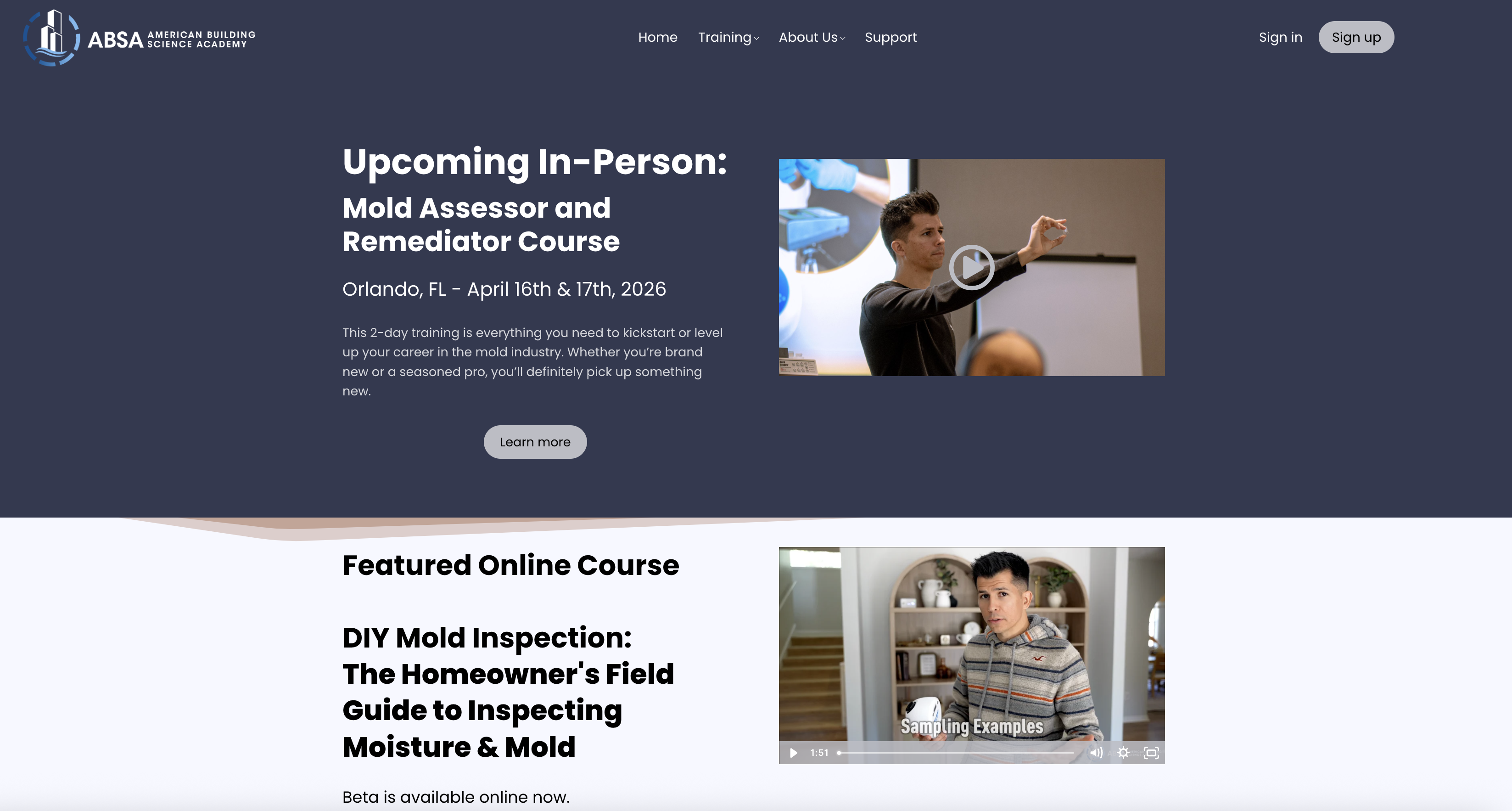
Step 2: Click "Sign in" in the top right corner to sign into your account.
Step 3: Once you arrive at the sign-in landing page, you will see your purchased courses on the lower section of the page.
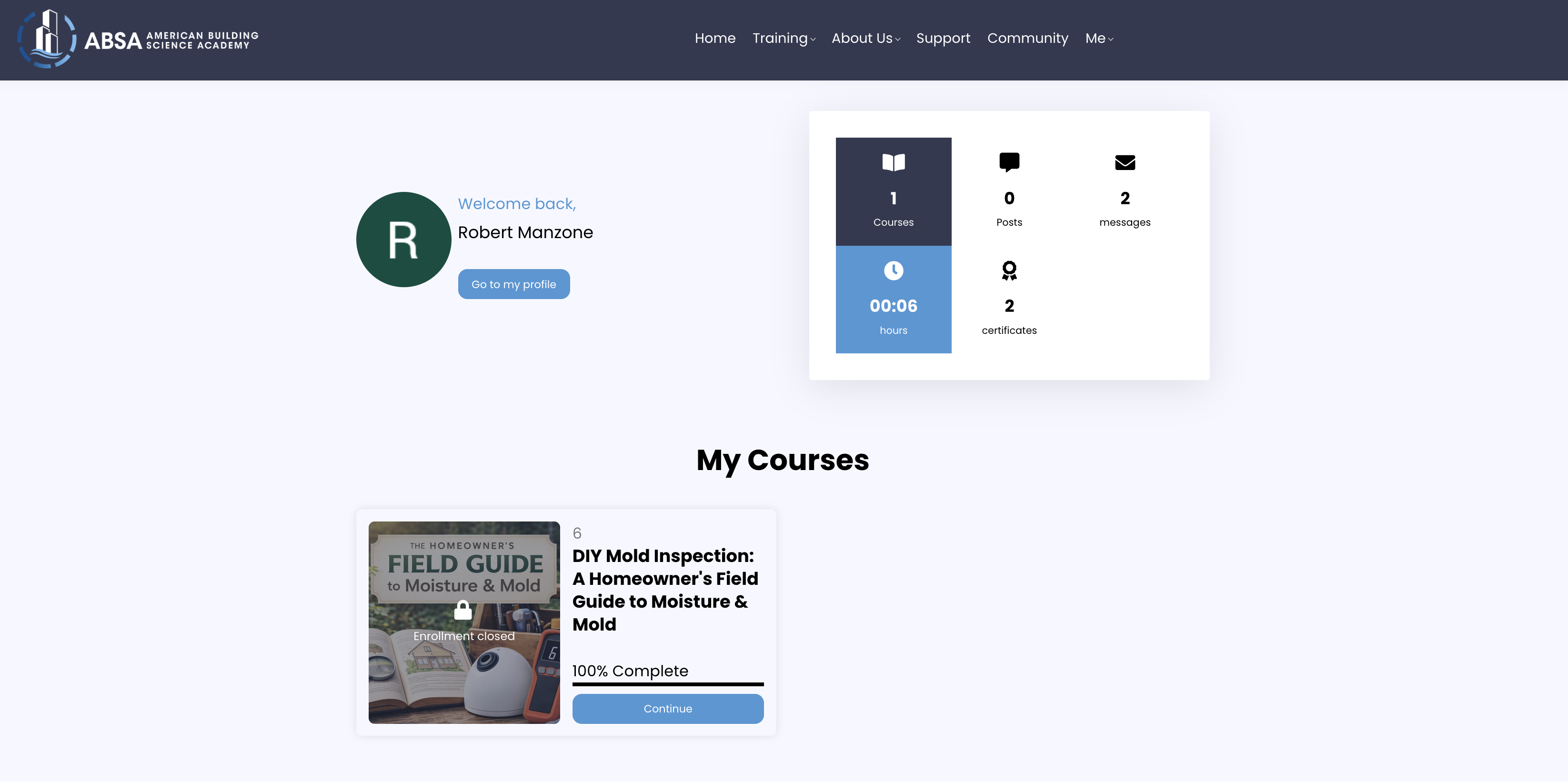
Step 4: Click on the course to jump in and pick up where you left off!
Still Can’t Find Your Purchased Course Videos?
If none of the above worked, we’re here to help. Please click here to contact our support team and include:
- The course(s) that you purchased but cannot access
- A brief description of the issue
- The device and browser you are using
Was this article helpful?
That’s Great!
Thank you for your feedback
Sorry! We couldn't be helpful
Thank you for your feedback
Feedback sent
We appreciate your effort and will try to fix the article